





1
Photo
You photograph the job
🛏🧱🎨
📷 Project images3 / 5
 From the camera or your gallery.
Lite: Cost Estimator
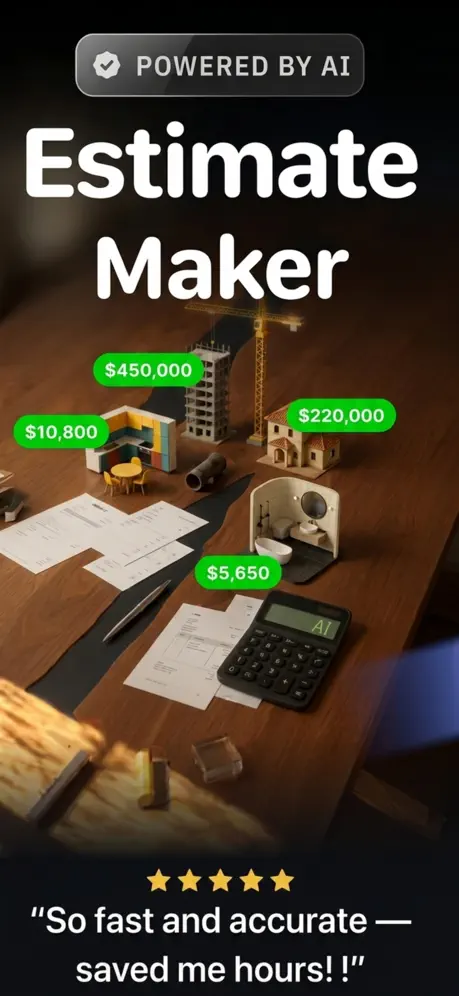
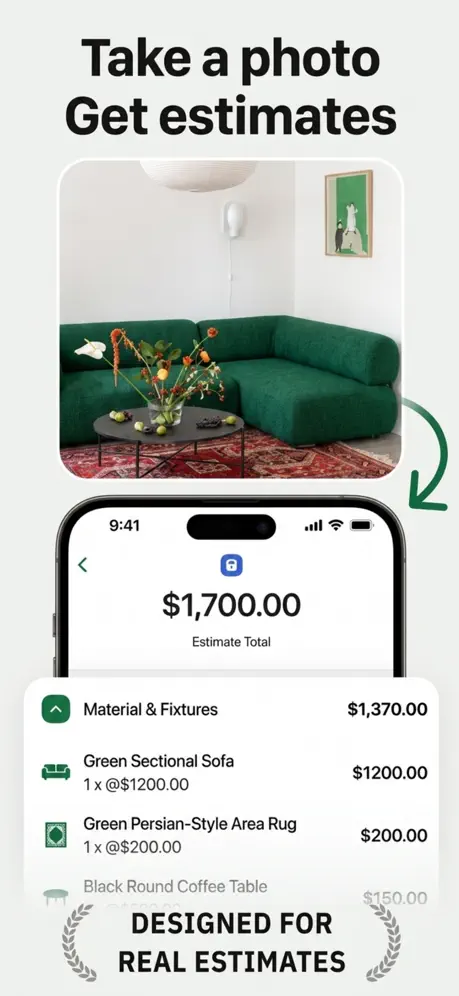
Snap a photo of the job and describe it in a few words. Lite: Cost Estimator works out materials and labor, lets you adjust every item, and sends it as a PDF.
For iPhone. Subscription required.
You photograph the job, describe it, and the AI asks you a question before working out the price.
From the photo to the PDF, in four steps.
You photograph the job
From the camera or your gallery.
You type or dictate the job
By voice, when your hands are busy.
It asks and suggests items
Materials, labor, and extras.
PDF and invoice
ESTIMATE #0012With your logo and your taxes.
Every forgotten item is money out of your pocket.
✓Photographed, priced, and sent.
Add photos and describe the job. The assistant asks what it needs and generates the materials, labor, and extra items.
Adjust the description, quantity, unit, unit price, and discount of each item: gallons, feet, hours, or pieces.
Add one or more taxes (VAT, GST, sales tax…) and discounts. Lite works out the subtotal and total for you.
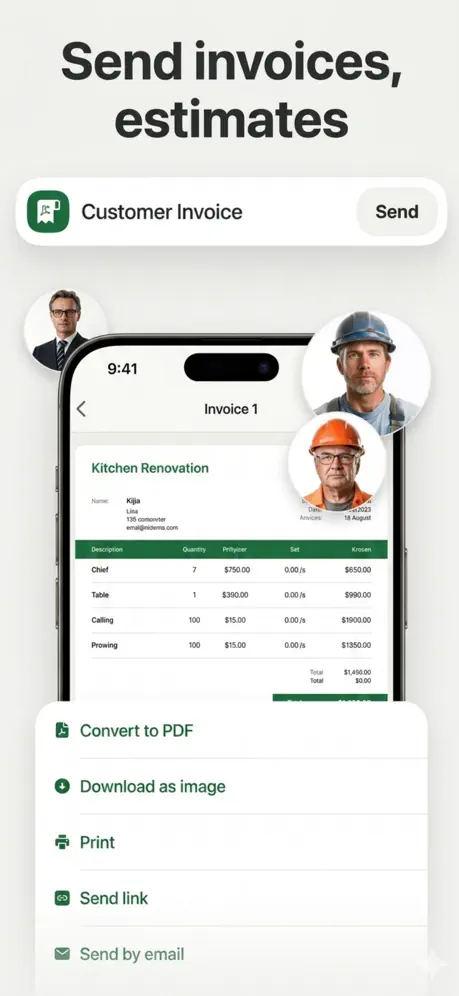
Export the estimate as a PDF with your company details, share it, and once it is approved, turn it into an invoice with its number and due date.
Search and review your estimates, mark them approved or pending, and track which invoices are paid.
✦AI auto-estimate
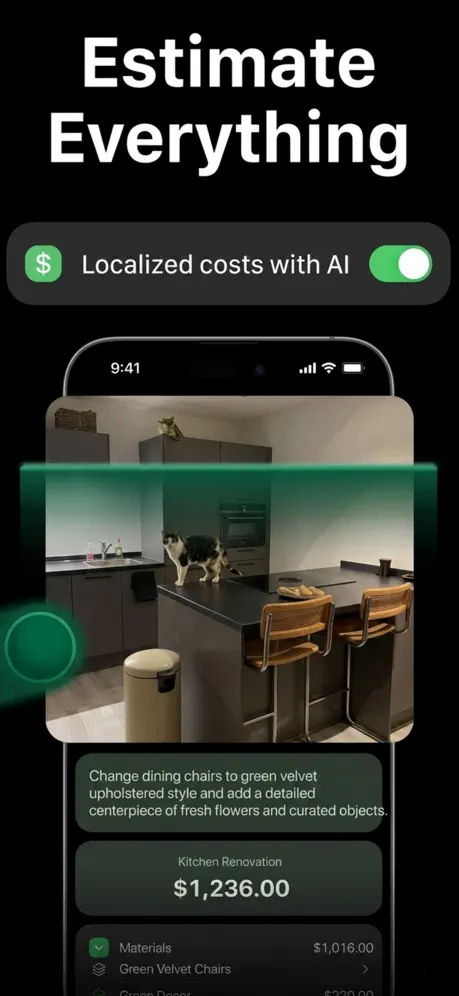
Add photos and describe the job. If something is missing, the assistant asks you questions with options and a recommended one; then it generates the items and you choose which to include.
AI can make mistakes: check prices and quantities before sending.
AI Auto-EstimateNew projectLite: Cost Estimator screenshots from the App Store.
Rooms, exteriors, and remodels: the estimate is ready on the same visit.
A/C, electrical, plumbing: clear prices before you start.
Cleaning, landscaping, consulting: professional estimates without expensive software.
You add photos of the job and a description, typed or recorded by voice. If needed, the assistant asks you questions; then it generates materials, labor, and extra items, and you choose which to include.
Yes. Each item has a description, quantity, unit, unit price, and discount, and you can add your own.
One or more, each with its name and rate, such as VAT, GST, or sales tax, plus discounts.
Yes. You add your company logo and details, and export the estimate as a PDF to share it.
Yes. From the estimate you create the invoice with its number, issue date, and due date, and then mark it as paid.
Yes. A subscription is required to use the app’s features and generate AI estimates.
AI can make mistakes: check prices, quantities, and taxes before sending. Subscription required. Illustrations use sample data.
Lite: Cost Estimator
Help creating AI estimates, adjusting your line items, and sending your estimates and invoices with Lite: Cost Estimator.
Photos, description, and questions.
Quantities, units, and prices.
VAT, GST, sales tax, and discounts.
Exporting and sending estimates.
Turning an estimate into an invoice.
Logo, contact, and tax number.
Finding and organizing estimates.
Access, subscription, and deleting your account.
In AI Auto-Estimate, take or pick photos of the project and describe the work, typed or by recording your voice. Answer the assistant’s questions, review the generated items, and choose which to include before creating the estimate. AI can make mistakes: check prices and quantities.
Open the item and edit its description, quantity, unit (piece, gallon, foot, hour…), unit price, and discount. You can also add new items.
Yes. In the price summary, add one or more taxes with their name and rate, plus any discounts. The app works out the subtotal and total.
Review the estimate and tap Export PDF. Then share it by email, messages, or another app on your phone. The PDF carries your company logo and details.
Open the estimate and choose Create invoice. Enter the invoice number, the issue date, and the due date. When you get paid, mark it as paid.
In Settings, open your company data to change the logo, name, email, phone, address, and tax number shown on your documents.
On Home, use the estimate search. Each estimate shows whether it is approved or pending, and each invoice whether it is paid or unpaid.
An active subscription is required to use the app’s features; you manage it in the app and your App Store account. To delete your account, go to Settings, Danger zone, Delete account.
Lite: Cost Estimator
Never share passwords or verification codes.